# Installation of DindeGDPS
# Windows (or WineHQ)
STOP
Support for Linux and MacOS with Wine hasn't been tested
The installation is straightforward. You just need to click here (opens new window) to download the installation file and follow steps on the screen. After this, a shortcut should be created or you can find the launcher from the search page.
#
# Android
Info
Geometry Dash doesn't support the latest versions of Android. If you find any other issues, please contact us at : contactus AT dimisaio.x10.mx
It is pretty easy for installing DindeGDPS on Android. Click here (opens new window) to download the latest version of the GDPS.
"This file is dangerous"
You will need to click yes on the alert box if you see it. This will not harm your device.
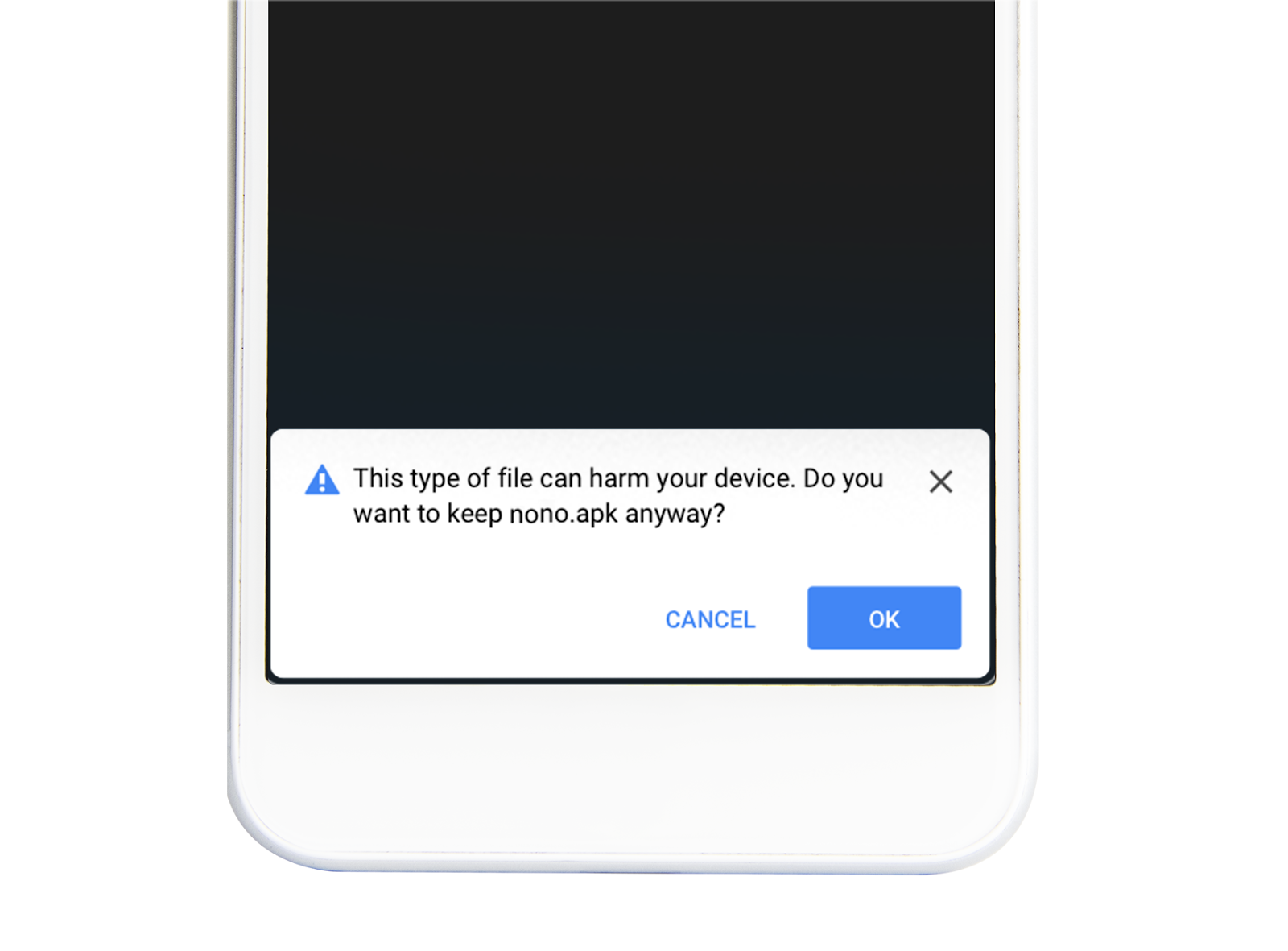
If you install an apk for the first time, a pop-up will show up saying installation is blocked. Click the settings option and enable Untrusted Sources. Then, try again.
#
# iOS
# The easy way
WARNING
In iOS 16, you need to open Settings -> Privacy -> Developper Mode (all the way down).
Enable the option and follow next steps.
Install Altstore (opens new window) alongside iCloud and iTunes. After installation, left click the tray icon and follow the steps to install Altstore on iOS. Finally, click on this link to install DindeGDPS.
# The hard way (jailbreak)
| iOS Version | Tools |
|---|---|
| Every version (iPhone X and lower, 32gb+) | checkra1n (14.8.1-) (opens new window) or palera1n (15.0+) (opens new window) |
| 15.0 - 15.4.1 | Trollstore (opens new window) |
I recommend checking iOS.CFW.Guide (opens new window) for more info about jailbreaking.
If you installed TrollStore, click here
If you installed a jailbreak, add czrepo.fr.nf (opens new window) to your sources.